SIMULTANEOUS TOUCH CHECK / OCTOBER 24, 2026
Can two players touch one iPhone at the same time?
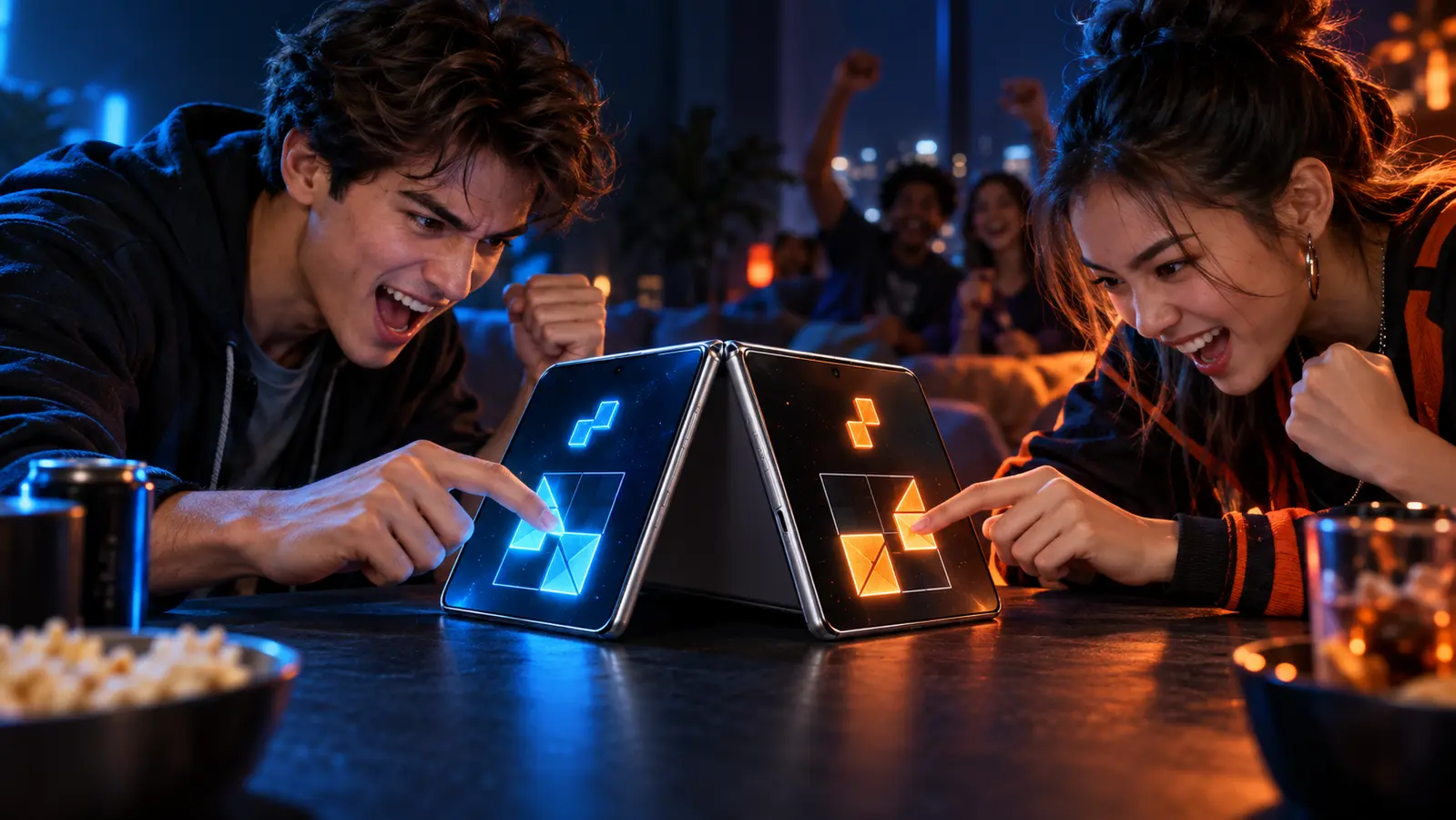
Yes. An iPhone can receive more than one touch at a time, but that does not make every game a reliable simultaneous two-player game. The game must enable Multi-Touch where needed, keep both control zones active, assign each touch correctly, and prevent one player's gesture from cancelling the other player's input.
By the DuoDragonz Editorial Team · Published October 24, 2026
The short answer: the screen can, but the game still has to
Apple's UIKit documentation defines a setting that controls whether a view receives more than one touch at a time. Apple's touch-handling guideexplains that a developer must enable that setting to receive additional touches in the view. That confirms the platform capability, not the behavior of every game.
A simultaneous two-player game needs another layer of design. It must know which player owns each touch, continue tracking both touches as fingers move, and decide what happens at the center line. It also has to coordinate gestures because Apple notes that gesture recognizers track touch events separately and may need explicit coordination when several recognizers share a view. See Apple's gesture-recognizer guidance.
Five claims that should not be treated as synonyms
| Claim | What it supports | What still needs proof |
|---|---|---|
| Multi-Touch | The app can receive more than one touch in a configured view | Player ownership, fairness, and a multiplayer rule set |
| Two players | The game has a mode involving two people | Whether they act together, take turns, or use two devices |
| Same device | Both players use one iPhone or iPad | Whether inputs are simultaneous or pass-and-play |
| Split controls | Each player has a visible side or control area | Whether held and moving touches remain independent |
| iPhone Duo optimized | Device-specific evidence may document adaptive layout work | That the game supports two players or simultaneous touches |
What current App Store language can establish
Current official listings show that simultaneous same-device play exists, but they describe it in different ways. The listing for 2 3 4 Player Games says people play simultaneously on the same device with simple one-touch controls. 2 Player Games: One Device says each player controls a separate side of the iPhone. Those are useful mode claims from the developers, not independent quality tests.
The CookDuo listing describes a local two-player same-screen mode with a left-side operation area for one chef. 2 Player Pixel Games also advertises simultaneous same-device play. These examples support the category, but they do not establish identical touch behavior, input latency, accessibility, permanent availability, or iPhone Duo optimization.
Control patterns, from easiest to hardest to share
Two large tap zones
Each player taps a separated target or button. This is easy to explain and easy to test because neither player must hold a finger down. Reaction games often use this pattern, but false-start rules and center targets still need to be clear.
Two continuous drags
Each player holds and moves a paddle, vehicle, slider, or character. The important test is not whether two initial taps register. Both drags need to continue at the same time without one finger freezing, jumping, or becoming the other player's control.
Controls that cross the center
Shared objects, flicks, and drag paths can enter the other player's region. The game needs an ownership rule: keep the object with the starting finger, transfer it at a boundary, or reject the crossing. An invisible rule creates arguments even when the touch system works perfectly.
System-edge gestures
Controls near the screen edge can compete with navigation or other system gestures. A game should keep essential input comfortably reachable and explain alternatives. The two-seat screen-space guide checks control zones, shared information, hand paths, and both physical seats. The related accessible control guide compares dragging with select-and-place input without claiming that either design is implemented in Game 001.
Pass-and-play
Pass-and-play is still real two-player gaming, but it avoids simultaneous touch entirely. It is often the better fit for hidden information, slower strategy, or a small screen. Use the multiplayer-mode comparison to separate same-device, pass-and-play, nearby-device, and online play before downloading.
Run the two-minute touch-zone check
- Confirm the exact mode. Look for current listing language such as simultaneous, same device, each side, or pass-and-play. A generic multiplayer label is not enough.
- Start an unscored practice round. Do not use the first attempt as evidence of fairness.
- Press both controls and hold. Keep one finger stationary while the other player taps or moves. Repeat in the opposite order.
- Move both players together. If the game uses continuous input, trace short paths at the same time and watch for freezing, jumping, or reassignment.
- Approach the center. Check whether crossing paths, shared targets, or overlapping hands change control ownership.
- Swap physical sides. Repeat the same actions after the players exchange seats. This helps expose reach and layout advantages without claiming a measured balance study.
- Try one interruption. Open and close a menu or briefly leave and return to the round. Both player states should remain understandable. Use the interruption recovery guide for a focused call, notification, app-switch, and screen-lock check.
- Choose the honest label. Call the mode simultaneous only when both players can act together. Otherwise describe it as alternating, pass-and-play, or two-device play.
What changes on iPhone Duo?
More screen area can create wider control zones and more separation between hands, but size alone does not prove reliable two-player input. Apple's adaptive-layout guidancetells developers to account for reserved regions and changing poses. A fair shared game still needs readable controls, safe touch areas, stable state, and deliberate player ownership in every supported layout.
The portrait versus landscape guide helps choose the seating and control map. The opposite-side guide covers readability and physical side swaps. Neither page treats a larger screen as proof of simultaneous input or fold-aware support.
If the owner also uses Guided Access, run the Guided Access two-player setup check after choosing the game mode. A disabled touch region, button, motion setting, or display rule can change the control test even when the game itself supports simultaneous input.
Where DuoDragonz Game 001 fits
DuoDragonz is developing Game 001 under the working title Puzzle Rush. The intended concept is a face-to-face puzzle race with separate player regions, but the game is not publicly released. DuoDragonz does not claim a completed Multi-Touch implementation, measured input latency, accessibility certification, or verified iPhone Duo compatibility.
Browse the iPhone Duo games guide, see all DuoDragonz game projects, check the verified release status, or join early access for official updates.
If both players want headphones, the two-headphone Audio Sharing guide separates one shared audio feed from private player cues and lists the hardware checks to run before a match.
Frequently asked questions
Can an iPhone detect two fingers at the same time?
Yes. Apple provides Multi-Touch APIs that let an app receive more than one touch at a time. The app still has to enable and handle those touches correctly in the relevant view.
Does Multi-Touch mean every two-player game supports simultaneous play?
No. Multi-Touch is an input capability. A game must assign touches to players, keep both control zones active, resolve gesture conflicts, and define fair rules. Pass-and-play games can be two-player without accepting simultaneous input at all.
What is the easiest simultaneous control design to verify?
Two large, separated tap zones are usually easier to check than two continuous drags or controls that cross the center. Hold one control, use the other, swap sides, and repeat before starting a scored round.
Does iPhone Duo automatically improve simultaneous touch controls?
No. A larger layout can provide more room, but it does not prove that an existing game maps two players correctly, respects safe areas, or supports every pose. Check the exact game version and documented mode.
Has DuoDragonz tested these games or iPhone Duo hardware?
No. This guide interprets current Apple documentation and official App Store descriptions. It does not claim hands-on testing, input-latency measurement, compatibility, rankings, or permanent availability.
Editorial note: This guide uses current Apple developer documentation and four official App Store descriptions. It is not paid placement, a hands-on test, a latency measurement, a compatibility guarantee, or a permanent availability claim.