USABLE SCREEN SPACE / OCTOBER 27, 2026
How much screen space do two players need on one iPhone?
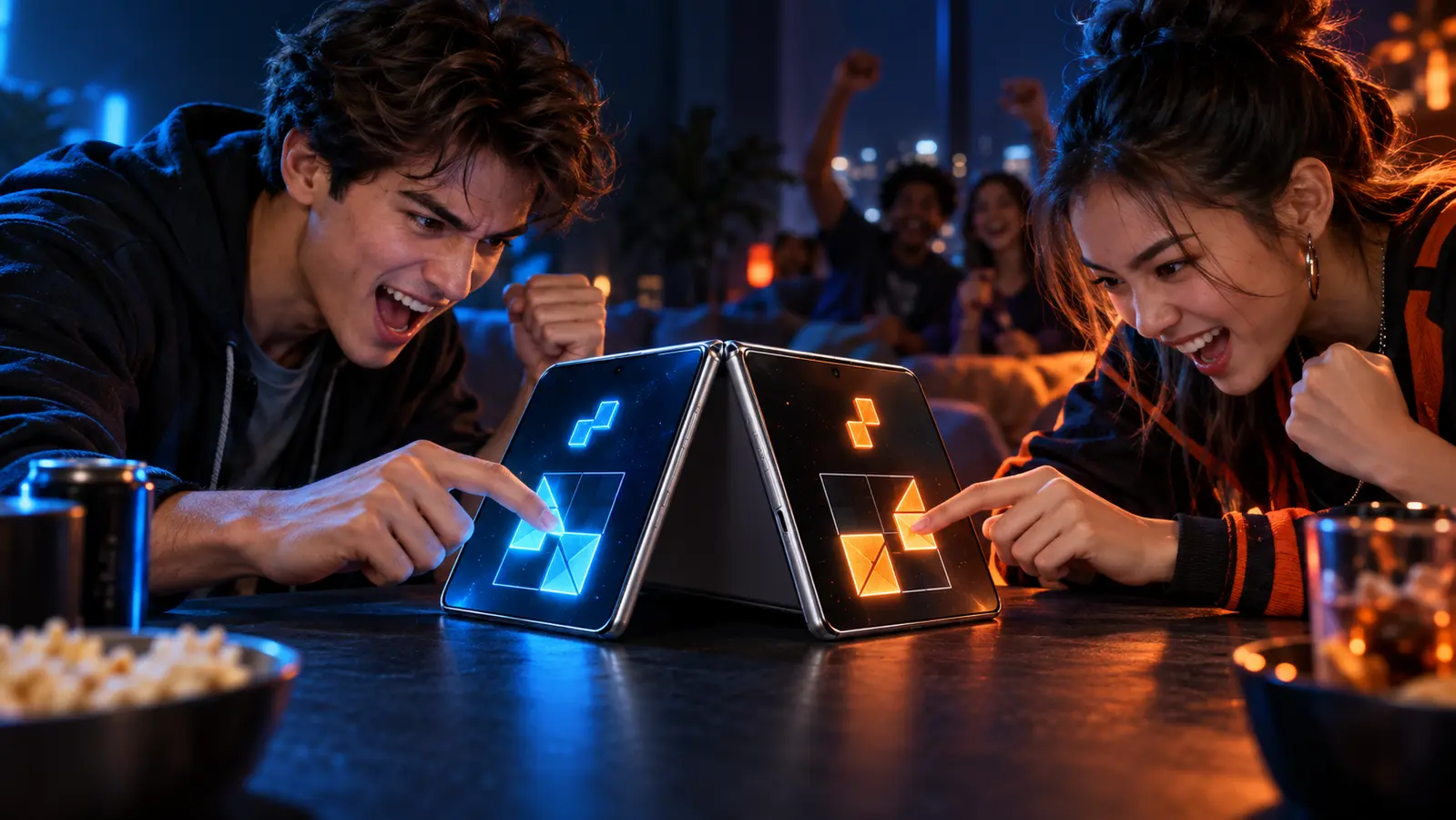
There is no universal screen-size minimum for two-player iPhone games. A screen is big enough only when the exact mode gives both people clear controls, readable shared information, safe system edges, and hand paths that do not repeatedly collide. Check the playable layout, not just the diagonal measurement.
By the DuoDragonz Editorial Team · Published October 27, 2026
The short answer: measure usable zones, not phone inches
Two people can share a compact layout when each action is simple, the controls are separated, and the central information stays visible. A larger screen can still feel cramped when both players reach through the same space, cover the score, or fight system-edge gestures. No single iPhone diagonal proves that a game will be comfortable for two people.
Apple's button guidance says a button generally needs a hit region of at least 44 by 44 points so people can select it easily. That is a useful design benchmark, not 44 physical pixels and not a promise about any game. Points are layout units that iOS maps to a device's display.
Count four kinds of usable space
| Space to inspect | What must fit | Warning sign |
|---|---|---|
| Player 1 zone | Every required control and the full movement path | A thumb covers a label, timer, target, or another control |
| Player 2 zone | An equivalent reach and view for the second seat | One person must stretch farther or approach a system edge |
| Shared zone | Board, score, cue, timer, result, or contested object | Either hand blocks information needed by both players |
| Buffer space | Room between hands, controls, screen edges, and device features | Normal play causes repeated collisions or accidental navigation |
Apple defines a safe area as the part of a window that is not covered at an edge by hardware features or other interface elements. Safe area does not mean two-player comfort by itself. It only establishes a protected starting boundary. A game also needs enough separation inside that boundary for both players.
Match the screen layout to the way people play
| Play format | Best use of the screen | Primary comfort risk |
|---|---|---|
| Opposite-end duel | Mirrored end zones with a neutral shared center | Center crossings and upside-down shared text |
| Side-by-side action | Controls on the outer edges, shared action in the middle | Shoulders, thumbs, or wrists converging on one side |
| Shared board | A readable central board with clearly marked turns | A hand covering pieces, choices, or move history |
| Pass-and-play | One complete active-player view plus a neutral handoff | Private information remaining visible during the pass |
| Two continuous drags | Separated control lanes with room for both full paths | Touches crossing, reassigning, or reaching the system edge |
If the game requires simultaneous input, first use the two-player touch-zone check. Multi-Touch support and comfortable space are separate questions. A game can recognize both fingers and still give one player the harder reach.
Run the 90-second two-seat comfort check
- Confirm the exact mode. Make sure it really is same-device two-player play. Online, nearby-device, and AI modes answer different questions.
- Use the intended orientation. Sit where both players will sit and open an unscored practice round.
- Rest both hands naturally. Neither player should begin with a wrist twisted across the other person's zone.
- Perform every required action together. Tap, hold, drag, flick, or release at the same time when the mode permits it. Watch for overlap and blocked information.
- Trace the longest hand paths. Include the center, menus, pause control, score, and any targets near a screen edge.
- Read from both seats. Each player should be able to identify the score, timer, active turn, prompt, and result without taking the phone away from the other.
- Swap physical sides. Repeat the same actions. A layout that changes the easier seat may need side rotation between scored rounds.
- Choose the honest outcome. Keep the mode, rotate orientation, use pass-and-play, move to two devices, or choose a different game. Do not treat discomfort as a player error.
Do not count the system edges as free control space
Apple's full-screen guidance notes that games may need to defer system gestures to prevent accidental exits. Apple also tells game designers to accommodate device features using platform-provided safe areas in its game-design guidance. A control drawn at an edge may look spacious while remaining awkward or unreliable in live play.
- Keep critical actions away from corners used by system gestures.
- Do not place the only pause or undo control under a player's palm.
- Leave room for a held finger without hiding the next cue.
- Use labels, shapes, and positions in addition to color.
- Keep the shared score visible while both control zones are occupied.
Portrait, landscape, and iPhone Duo
Landscape often provides longer separation between opposite-end controls. Portrait can support top-and-bottom seating, a vertical board, or an easier handoff. Neither orientation wins automatically. The portrait versus landscape guide covers seating, rotation, reach, and state preservation in detail. The phone placement guide compares a stand, a flat surface, and handheld play after the player zones are known.
On iPhone Duo, extra display area can create more generous player zones, but Apple's iPhone Duo design guidancestill asks developers to respect safe areas and changing layouts. A large open display does not prove two-player support, comfortable controls, fold-aware behavior, or optimization. Check each claim separately with the iPhone Duo optimization checklist.
Where DuoDragonz Game 001 fits
DuoDragonz is developing Game 001 under the working title Puzzle Rush. Its intended face-to-face race makes independent controls, a readable shared result, and equivalent hand paths important design questions. The game is not publicly released, and DuoDragonz does not claim a finished layout, measured touch targets, hands-on hardware testing, or verified iPhone Duo compatibility.
Browse the iPhone Duo games guide, see all DuoDragonz game projects, check the verified release status, or join early access for official updates.
Frequently asked questions
What screen size is big enough for two players on one iPhone?
There is no universal diagonal-size minimum. A workable setup depends on the game mode, orientation, control layout, hand paths, shared information, text, and whether both people can use their zones without blocking each other.
Is a 44 by 44 point button required for every game control?
Apple describes a hit region of at least 44 by 44 points as a general rule for buttons. It is a design benchmark, not proof that a particular game follows it and not a physical screen-size requirement.
Does landscape always give two players more usable room?
No. Landscape often separates opposite-end controls, while portrait may suit top-and-bottom play or pass-and-play. Test the exact seating, hand paths, text, and rotation behavior instead of choosing by width alone.
Does iPhone Duo automatically make one-phone multiplayer comfortable?
No. More display area can help, but the game still needs an adaptive layout, safe controls, readable shared information, and an actual same-device two-player mode. Device support and good two-player design are separate claims.
Has DuoDragonz measured Game 001 on iPhone or iPhone Duo hardware?
No. This guide applies current Apple design documentation to an editorial comfort check. It does not claim hands-on measurements, a finished Game 001 interface, or verified hardware compatibility.
Editorial note: This guide interprets current Apple design documentation and provides an original comfort check. It is not a hands-on device test, a measurement of a specific game, a compatibility guarantee, or proof that Game 001 implements these targets.