ONE-PHONE ORIENTATION / OCTOBER 22, 2026
Portrait or landscape for two-player games on one iPhone?
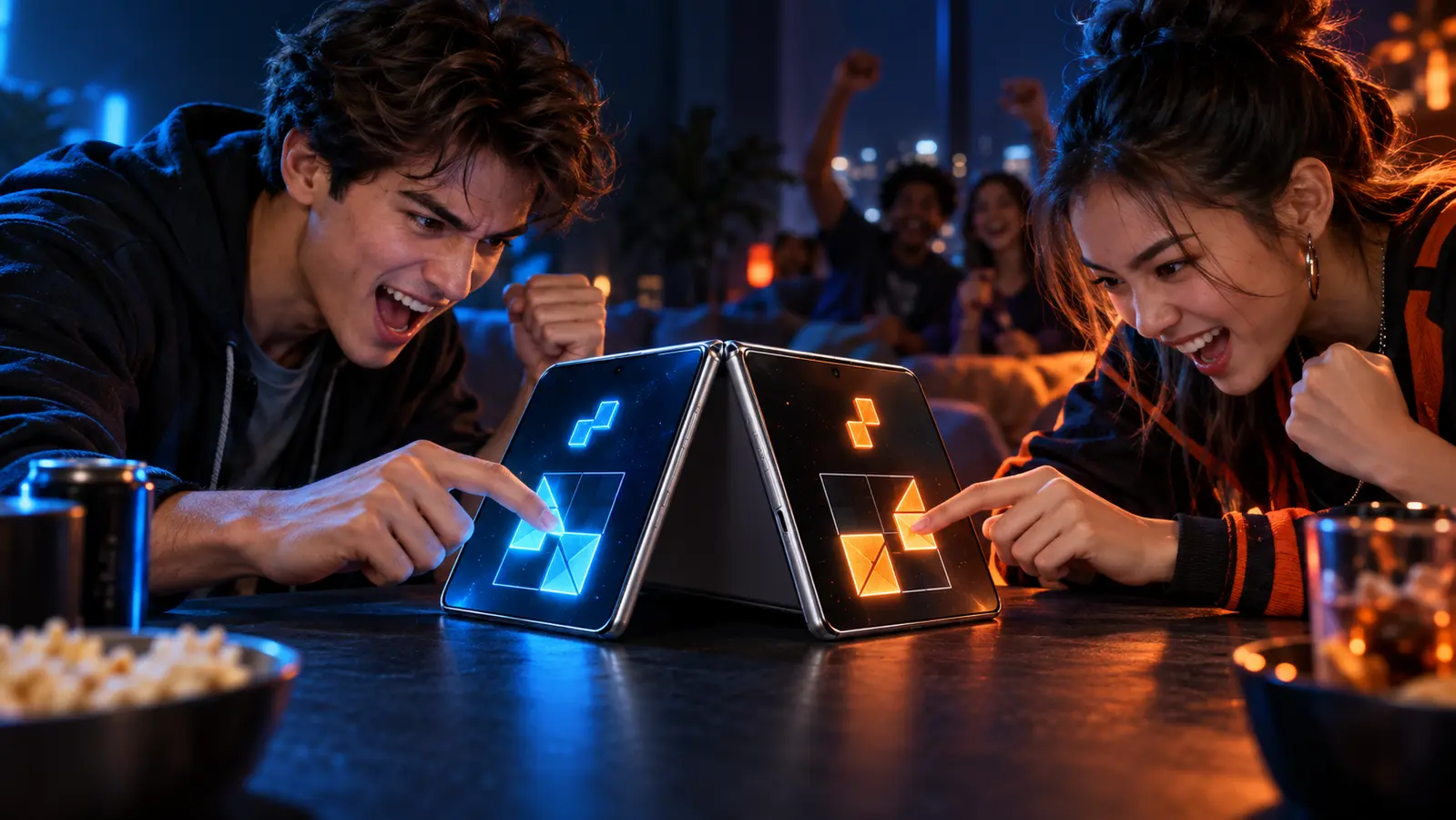
Start with portrait when two people sit across from each other and need separate controls at the phone's short ends. Start with landscape when players sit side by side or share a wide board or arena. For pass-and-play, either can work. Choose by seating, control reach, and shared information, not by orientation alone.
By the DuoDragonz Editorial Team · Published October 22, 2026
The short answer: match the orientation to how two people sit
Portrait and landscape solve different multiplayer problems. A tall portrait screen leaves more distance between the short ends. That can give two face-to-face players their own control zones while preserving a shared center. A wide landscape screen gives a board, court, track, or row of cards more horizontal room. It can also be easier for two people seated beside each other to view at the same angle.
Orientation is not evidence of multiplayer by itself. A landscape game can still be single-player, and a portrait game can still require two devices. First confirm the exact one-device mode. Then judge whether the seating, information, and controls fit that orientation. DuoDragonz has not hands-on tested the games below on iPhone Duo.
Portrait versus landscape by play setup
| Play setup | Better first try | Why it can fit | Check before scoring |
|---|---|---|---|
| Face-to-face simultaneous controls | Portrait | More separation between the top and bottom control zones | Text rotation, equal reach, center visibility, and edge gestures |
| Side-by-side shared arena | Landscape | A wider field can suit lateral movement and a common viewpoint | Hands should not cross or hide the center |
| Shared board with alternating turns | Either | Only one person needs the active controls at a time | Board scale, score placement, undo, and clear active-player labels |
| Private handoff or hidden clue | Either | The neutral handoff screen matters more than width or height | No secret should remain visible after rotation or Back navigation |
| Three or more simultaneous players | Landscape or tablet | More perimeter and width can reduce crowding | Every player needs a distinct zone and readable result |
These are starting points, not universal rules. A well-designed game can use a portrait layout for a wide-looking arena or a landscape layout for face-to-face play. The decisive question is whether the actual controls and information work from both seats.
Five current listings show the real tradeoffs
| Official App Store listing | Documented orientation and mode | Useful lesson |
|---|---|---|
| Huddle: Offline 2-Player Games | Two-player same-screen games stay in portrait so people can sit across from each other | Portrait can create two deep end zones for face-to-face play |
| Party Pong | One-device local multiplayer with landscape-first party gameplay | Landscape can suit a wide arena, side-by-side seating, and more than two players |
| ATECCO | Its two-player Trait Karuta mode uses landscape so both players share one board | Landscape can prioritize a common board over separate player zones |
| Reef Vault | Two-player pass-and-play on one device with portrait and landscape controls | Take-turns play can support both orientations because only one person controls the phone at a time |
| AwesomeReversi | Two-player play on one device with portrait and landscape display | A turn-based public board can adapt to the space instead of forcing one seating plan |
This table compares documented layout choices, not quality. Listings, modes, prices, purchases, and supported devices can change. Check the live product page and version history before downloading. Support for both portrait and landscape does not prove that both are equally good for every multiplayer mode.
Use portrait when each player needs a far end
Portrait is a natural fit when the phone lies flat between two people. Each person can own a short end, and a shared timer, puck, deck, or prompt can sit between them. Huddle's current listing makes this relationship explicit: its same-screen two-player games stay in portrait so players can sit across from each other.
The layout still has to earn the arrangement. Both player zones need equivalent size, distance from the edge, readable labels, and the same access to important information. If one person must read upside down, reach over the center, or avoid a system gesture while the other does not, portrait has not made the match fair by itself.
Use landscape when the shared playfield needs width
Landscape can make a better common board. Party Pong describes its one-device play as landscape-first, while ATECCO says its two-player Trait Karuta mode uses landscape so both players can share one board. In both cases, the orientation is tied to the shape of play rather than a generic preference.
A wide layout is especially useful for lateral motion, long rows of options, side-by-side seating, or several people around one device. The tradeoff is reach. Controls at the extreme left and right may be easy to see but awkward to touch from opposite ends. Test the actual hand paths instead of assuming width equals comfort.
Support both when the game can truly adapt
Reef Vault and AwesomeReversi both document one-device two-player play plus portrait and landscape support. Their take-turns or shared-board formats can adapt because one player does not need a permanently mirrored control zone at each end. That flexibility can help people play on a table, hold the phone, or choose a larger-looking board.
Rotation should preserve game state, active-player labels, scores, and controls. It should not expose a hidden clue, reset a turn, move a button under a system region, or create a different rule for one player. If a game supports both orientations, rotate during a disposable practice round before relying on it in a scored match.
What changes on iPhone Duo
Apple's iPhone Duo design guidance says an app may lock to portrait or landscape, but it should fill the screen as the device pose changes. Apple's layout Tech Talktells developers to use size classes rather than interface-orientation checks, avoid assumptions about fixed dimensions, respect asymmetric safe areas, and test open, closed, rotated, and folded poses.
The distinction matters for two-player games. Portrait or landscape is one decision. Compact or regular width, outer or inner display, available safe area, and partial folding are separate layout conditions. Apple's design Tech Talk recommends adaptive layouts across those sizes and keeping interactive elements clear of the fold when the phone is partially folded.
None of that documentation proves a specific game is optimized for iPhone Duo. Use the iPhone Duo optimization checklist to verify screenshots, the App Store badge, release notes, supported poses, and the exact multiplayer mode.
Run the 90-second orientation test
- Name the seating. Decide whether players will sit across from each other, beside each other, or pass the phone.
- Open the exact mode. Confirm one-device multiplayer, player count, and whether touches are simultaneous or alternating.
- Start in the documented orientation. Use the App Store description, help screen, or developer notes instead of guessing.
- Trace both hands. Each player should reach controls without crossing the center, covering shared information, or triggering the other player's zone.
- Read from both seats. Check instructions, scores, timers, results, and any upside-down labels.
- Rotate once if supported. Confirm state, turn order, hidden information, and control placement survive the change.
- Swap physical sides. Run one short round from the other seat. If the result feels different, fix the setup before scoring.
Orientation is one part of the one-phone decision
A good layout still needs the right information model. Public boards, common cues, and open scores can work well on one screen. Hidden hands, secret clues, and simultaneous private views may need a neutral handoff or two devices. The same-device, pass-and-play, and online comparison helps choose that broader format.
If the goal is specifically to sit across from each other, the opposite-side one-phone play guide separates seating, simultaneous touch, adaptive layout, and private-view claims. Browse the DuoDragonz game projects, check the verified release status, or join early access for official updates.
Where DuoDragonz Game 001 fits
Orientation is only one part of the physical setup. Use the phone stand versus flat-table guide to check viewing angle, equal reach, stability, and device movement from both seats.
DuoDragonz is developing Game 001 under the working title Puzzle Rush. It is not one of the downloadable examples above. DuoDragonz does not claim a public App Store release, completed orientation behavior, or verified iPhone Duo compatibility for Game 001. DuoDragonz is the developer, not an independent reviewer of its own unreleased project.
Frequently asked questions
Is portrait or landscape better for two players on one iPhone?
Portrait is usually the stronger starting point for two people sitting across from each other with controls at opposite ends. Landscape is often better for side-by-side players, wide shared boards, and arenas that need horizontal movement. The actual control map matters more than the label.
Does landscape mode mean a game supports split-screen multiplayer?
No. Landscape only describes the screen orientation. The App Store listing or developer documentation must separately confirm one-device multiplayer, player count, simultaneous controls, and the exact mode.
Should an iPhone Duo game support both orientations?
Not necessarily. Apple allows developers to lock an app to portrait or landscape, but the interface should still fill the available screen as the device pose changes. A game should document its supported setup and remain usable within it.
Has DuoDragonz tested these games in both orientations on iPhone Duo?
No. This guide compares current official App Store descriptions and Apple documentation. It does not claim hands-on testing, performance measurement, or verified iPhone Duo optimization for any listed game.
Editorial note: This guide compares current official App Store descriptions and Apple documentation. It is not paid placement, a hands-on test, a performance review, a permanent availability claim, or proof that a listed game is optimized for iPhone Duo.