OPPOSITE-SIDE PLAY / OCTOBER 21, 2026
Can two people play on opposite sides of iPhone Duo?
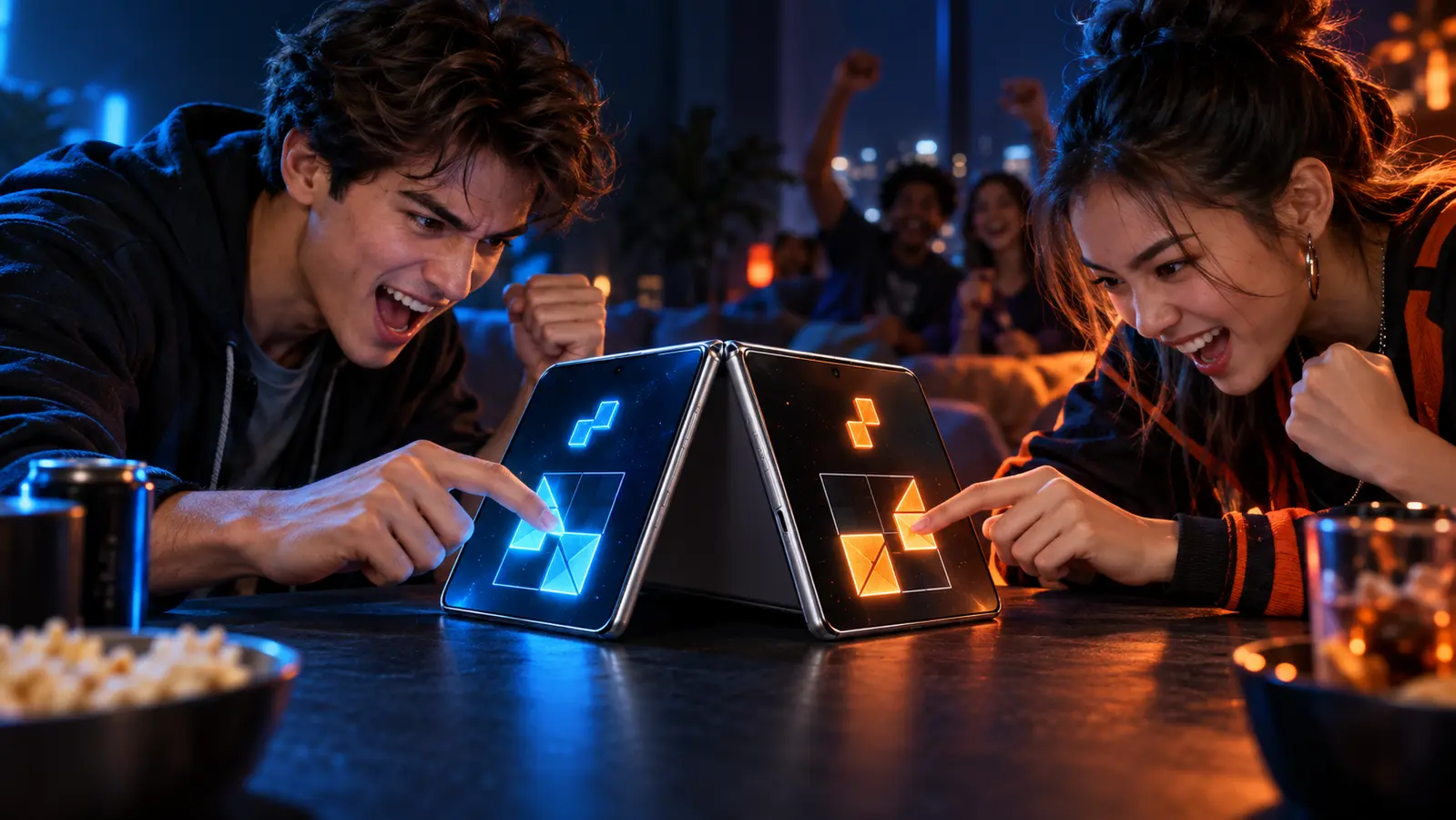
Yes. Some current games explicitly let two people sit opposite each other and share one iPhone. That proves a face-to-face control setup, not iPhone Duo optimization, fold-aware design, or a private display for each player. Check those claims separately.
By the DuoDragonz Editorial Team · Published October 21, 2026
The short answer: opposite-side play already exists on one iPhone
“Opposite sides” is a real one-device game arrangement, not a synonym for online multiplayer or two phones. Current official U.S. App Store descriptions use phrases such as opposite sides, opposite ends, top and bottom halves, and grab each end. In those games, both people can share one public screen while controls point toward their seats.
The important limit is evidence. A listing that documents opposite-side controls establishes the intended seating and device count. It does not establish that the game adapts around iPhone Duo's fold, handles every pose, uses both displays, or has Apple's optimization badge. DuoDragonz has not hands-on tested the examples below on iPhone Duo.
Five listings that clarify the difference
| Current App Store listing | Documented player setup | Safe conclusion |
|---|---|---|
| 2 Players 1 Device: Tabletop | Two people on opposite sides of one device for short competitive games | Direct evidence for the seating arrangement, but not for iPhone Duo optimization |
| 2 Player Quiz Multiplayer Game | Two people sit opposite each other, use the top and bottom halves, and answer simultaneously on one phone | Direct evidence for simultaneous face-to-face trivia on one phone |
| Sky Versus | Two players control fighters from opposite ends of one iPhone or iPad | Direct evidence for opposite-end controls, not for fold-aware play |
| Duel Otters | Two players grab each end of one device and compete on the same screen | Direct evidence for a shared-screen head-to-head setup |
| DUAL! | Two players use separate mobile devices connected over Wi-Fi or Bluetooth | A useful contrast: local multiplayer, but not opposite-side play on one phone |
These are examples of documented layouts, not a quality ranking. App availability, pricing, ads, purchases, modes, and wording can change. Open the live listing before installing. DUAL! is intentionally included as a contrast because “local multiplayer” there means two connected devices, not two people sharing opposite ends of one phone.
Do not collapse five different claims into one
- One device: both people use the same physical phone. This is the first condition for opposite-side one-phone play.
- Simultaneous or take turns: simultaneous controls create a live face-off. Pass-and-play can still be local, but it does not require opposite seating.
- Opposite-side layout: controls, text, or play zones are oriented for people facing each other across the screen.
- Adaptive iPhone Duo layout: the app resizes and keeps controls clear across the open, closed, rotated, and folded poses that the developer supports.
- Private or separate views: each player gets information the other cannot see. A public board with controls at opposite ends does not provide this automatically.
Ask for evidence at the level of the claim. A sentence about one-phone play answers the device-count question. A current screenshot, release note, developer demonstration, or App Store badge may answer part of the iPhone Duo question. Neither substitutes for the other.
What Apple's iPhone Duo guidance changes
Apple says apps built with iOS 27 and later resize dynamically as iPhone Duo opens and closes. Apple also warns that hardcoded sizes, fixed orientations, and device assumptions can break layouts. Read the current iPhone Duo preparation guide for the SDK and display behavior Apple documents.
Apple's design guidance tells developers to keep games playable in every supported pose. Its layout Tech Talk also warns that safe-area insets on opposite sides may be asymmetric. That matters to a face-to-face game because simply mirroring two control zones can place one person's buttons too close to a camera, reserved region, corner, or system control.
Apple says developers who submit iPhone Duo screenshots receive an optimization badge on the App Store product page. The October 5 submission announcement makes that a useful public signal, but the badge still does not prove that a game has two players, opposite-side controls, or separate private views.
Run the one-minute opposite-side check
- Confirm one device. Look for “one phone,” “one device,” or “same screen.” A generic local multiplayer label is not enough.
- Confirm the timing. Check whether both players touch at once or alternate turns. This changes how the phone should be placed.
- Read from both seats. Player labels, scores, instructions, and result screens should make sense from opposite viewing angles.
- Trace both touch zones. Each person should reach their controls without crossing the center or covering the other player's view.
- Protect the middle. Important targets, timers, and shared information should remain visible around any fold or reserved region.
- Swap physical sides. Play one disposable round, then change seats. A fair layout should not give one position a clearer view or easier reach.
- Check Duo evidence last. Only fold, rotate, or use a second display when the current game documentation supports that mode. Record the app version and do not generalize one result to every title.
Choose the layout that matches the information
Opposite-side simultaneous play fits public information: air-hockey tables, shared battlefields, reflex cues, quiz questions, scores, and open boards. Each person can keep a dedicated control zone while both watch the same center.
Pass-and-play is often better for private information such as card hands, secret clues, or hidden placement. Two connected devices may be better when both players need a private view at the same time. The same-device, pass-and-play, and online comparison explains those tradeoffs without treating one format as universally best.
How to verify iPhone Duo support before downloading
Use the simultaneous touch and control-zone check when both players should act together. It separates the phone's Multi-Touch capability from the game's player-ownership and gesture rules.
Use the portrait versus landscape guide to decide whether the seating, control zones, shared information, and rotation behavior fit two people before checking device support.
Use the iPhone Duo game optimization checklist to inspect the badge, current screenshots, version history, supported poses, safe areas, and the exact multiplayer mode. The launch-day game starter kit helps two people build a varied first library without downloading four near-identical duel collections.
Where DuoDragonz Game 001 fits
DuoDragonz is developing Game 001 under the working title Puzzle Rush. It is not one of the downloadable examples above. Its project page does not claim a public App Store release, completed opposite-side mode, or verified iPhone Duo compatibility. DuoDragonz is the developer, not an independent reviewer of its own unreleased project.
Browse the current DuoDragonz game projects, check the verified release status, or join early access for official development and availability updates.
Frequently asked questions
Can two people play from opposite sides of one iPhone?
Yes. Current App Store listings for several games explicitly describe two people using opposite sides or opposite ends of one device. Confirm the current listing and exact mode before downloading because features can change.
Does opposite-side play mean a game is optimized for iPhone Duo?
No. Opposite-side play describes where two people sit and how controls are arranged. iPhone Duo optimization concerns adaptive layout, displays, safe areas, poses, and current Apple submission evidence. Verify both claims separately.
Does iPhone Duo give each player a private screen?
Not automatically. A one-screen game can put controls at opposite ends while keeping the whole board public. A private or separate-display view needs explicit developer documentation for that game and mode.
Is DuoDragonz Game 001 included in these examples?
No. Puzzle Rush is the working title for DuoDragonz Game 001, which remains in development. DuoDragonz does not claim a public App Store release, verified iPhone Duo support, or completed opposite-side mode for it.
Editorial note: This guide compares current first-party listing and Apple documentation. It is not paid placement, a hands-on device test, a performance review, a permanent availability claim, or proof that a listed game is optimized for iPhone Duo.