EYE TRACKING + TOUCH / NOVEMBER 11, 2026
Can one player use Eye Tracking while another uses touch in an iPhone game?
Potentially, but only if the game deliberately assigns a dwell-driven action to one player and direct touch to the other. Eye Tracking can move a pointer and dwell to perform an action such as a tap. That does not automatically create Player 2 or prove that a second person's touch stays independent. Verify both roles through a complete match in the exact setup you plan to use.
By the DuoDragonz Editorial Team · Published November 11, 2026
The short answer: dwell activation and a second player are different claims
Apple's Eye Tracking guide says an onscreen pointer follows the movement of a person's eyes. When that person holds their gaze steady, or dwells, the system can perform an action such as a tap. Eye Tracking uses the built-in front-facing camera, and Apple says the data used to set up and control the feature is processed on device.
Those facts establish an accessibility route to an interface. They do not tell a game who acted, create a separate score, reserve a control zone, or prove that a finger press can continue independently while the dwell action fires. Two-player support begins only when the exact game assigns each route and keeps both roles clear from start through result and rematch.
Use this six-level evidence ladder
| Level | What you can observe | What it proves |
|---|---|---|
| 1. Eye Tracking turns on | The supported iPhone calibrates and shows a pointer | Feature availability for that setup, not game support |
| 2. The pointer finds a target | Snap to Item or free pointer movement reaches the intended control | Navigation, not a separate player |
| 3. Dwell performs an action | The timer completes and the intended game target responds once | An accessible game action for that target |
| 4. Touch stays independent | The other player can hold, move, or tap without losing either role | Concurrent paths, if each affects only its assigned player |
| 5. Position stays usable | Both seats can see, the camera keeps a clear view, and recalibration is manageable | A workable physical setup, not universal compatibility |
| 6. Both roles finish a match | Players start, act, pause, recover, score, and rematch | The complete mode that was actually checked |
Three Eye Tracking facts that change a two-player setup
1. Camera position is part of the control scheme
Apple recommends a clear view of the person's face, adequate lighting, a stable surface, and a viewing distance of about a foot and a half. Moving the phone to make the touch player more comfortable can therefore change the Eye Tracking player's calibration or camera view. Treat the stand, table position, and both seats as part of the tested configuration.
2. Dwell is an activation method, not raw player identity
With Snap to Item off, Apple says the dwell timer begins when the person holds their gaze steady at a location. When the timer finishes, the default action is a tap. Apple's Dwell Control settingsinclude movement tolerance and timing options. A game still needs to decide whether that activation belongs to a distinct role rather than the same onscreen button either person can use.
3. iPhone Duo must be fully open
Apple says Eye Tracking on iPhone Duo works only when the device is fully open and is unavailable while the device is partially folded. Apple also says the part of the inner display containing the FaceTime camera is dark while Eye Tracking is on, which can make a control in that area harder to see. A tent-style or partially folded game layout is therefore not the setup described by Apple for Eye Tracking.
Run the two-minute Eye Tracking and touch role check
- Name the exact setup. Record the game and version, mode, supported iPhone, iOS version, Eye Tracking settings, intended roles, and physical placement.
- Prepare the camera view. Put the phone on a stable surface, keep the front camera clear, provide adequate light, and fully open iPhone Duo if that is the device being checked.
- Calibrate for the Eye Tracking player. Follow Apple's onscreen calibration each time the feature is turned on. Do not calibrate to the other player or move the phone afterward without rechecking.
- Confirm one dwell action. Use an ordinary, reversible game target. Record whether Snap to Item was on, the dwell duration, and whether the action occurred once.
- Confirm one touch action. Have the second player press, hold, drag, or tap a different assigned control. Each result should affect only its named role.
- Overlap both paths. Keep the touch action active while the Eye Tracking player moves to a target and completes the dwell. Repeat in the opposite order. Look for cancellation, duplicated actions, stolen focus, or both inputs controlling the same role.
- Check the camera-side area. On iPhone Duo, verify that no essential control or status is hidden or hard to see where Apple says the inner-display camera area becomes dark.
- Recover and finish. Pause, resume, allow one safe recalibration if needed, then finish one disposable round and start a rematch. Record only the exact configuration that passed.
Design rules for a fair dwell role
- Show the target and timer clearly. The Eye Tracking player needs visible feedback for focus, dwell progress, acceptance, and cancellation.
- Keep important targets stable. Moving a target during dwell can create an avoidable miss or accidental action.
- Separate player zones. A dwell target and a touch control should not silently trigger the same player or shared command.
- Allow more than one timing model. Turn-taking, asymmetric roles, or adjustable response windows can be fairer than matching a dwell action against the fastest possible finger tap.
- Protect costly actions. Purchases, surrender, deletion, and irreversible choices need a clear confirmation path.
- Keep an alternative control route. Do not make one camera position, gaze setting, or dwell duration the only way to complete the game.
What accessible controls do and do not prove
Apple's accessibility guidancerecommends supporting accessibility features and refining custom controls. Apple's testing guidancerecommends checking the main tasks on each supported device with the relevant accessibility settings and assistive technologies. That is evidence for a testing method, not proof that an unrelated game, camera position, or multiplayer role already works.
UIKit's touch-handling documentationexplains direct touch sequences with began, moved, ended, and cancelled phases. A game can use those events for a touch role, but it must still keep the dwell-driven action independent. Our Switch Control and touch guidecovers adaptive switches and scanning. Our simultaneous-touch guidecovers two people using direct finger input.
How this applies to Game 001
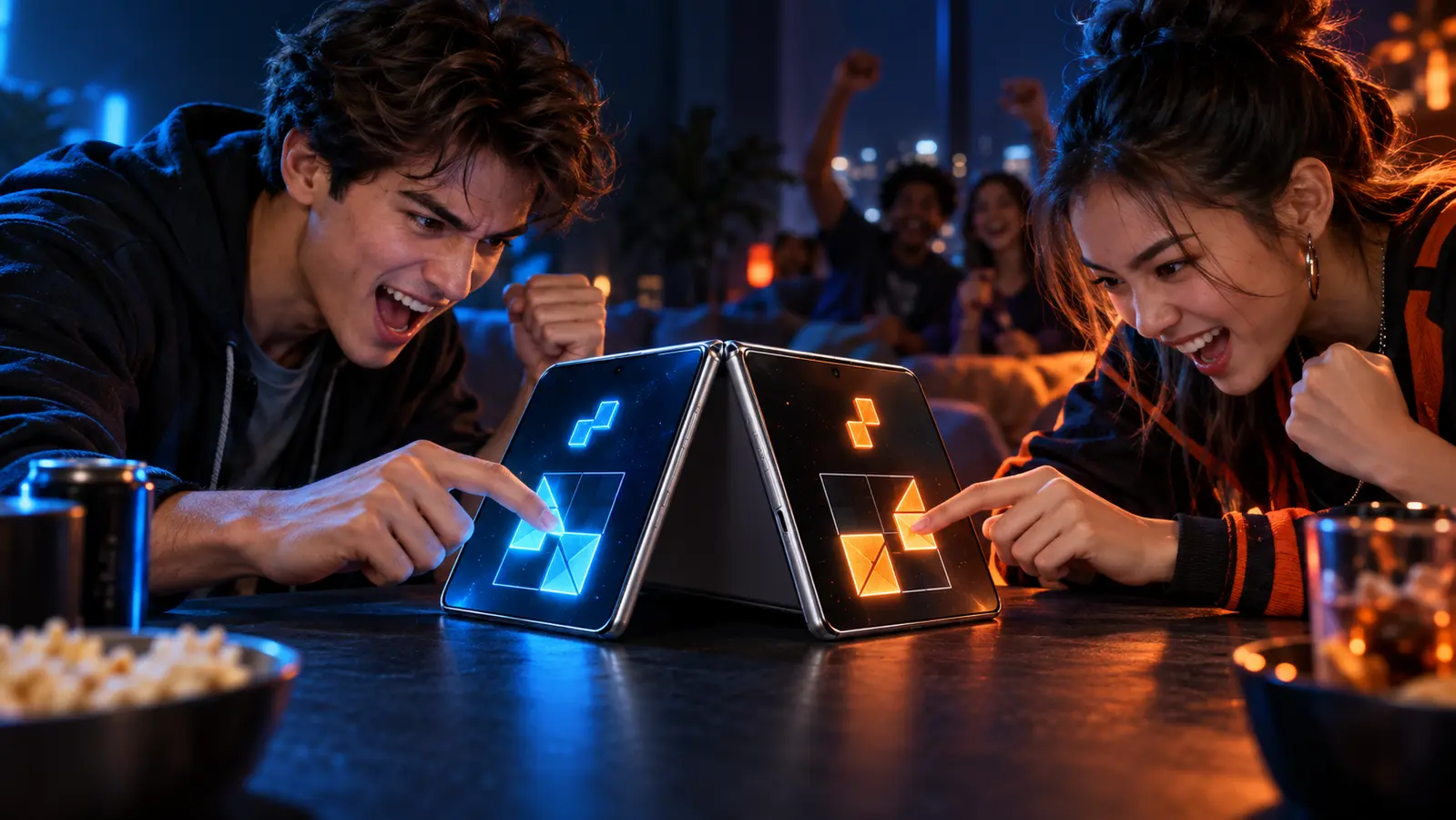
DuoDragonz is developing Game 001, working title Puzzle Rush, as a face-to-face same-device puzzle race. Eye Tracking support, a dwell mapping, an independent Eye Tracking player, camera-position testing, accessibility timing, and iPhone Duo compatibility have not been announced or verified.
Browse the iPhone Duo games guide, see all DuoDragonz game projects, check the verified release status, or join early access for evidence-backed updates. Signing up does not promise a release date, invitation, Eye Tracking mode, camera support, or device compatibility.
Frequently asked questions
Can Eye Tracking and direct touch control two players on one iPhone?
Potentially, but only when the game deliberately assigns dwell-driven actions to one role, direct touch to another role, and keeps both paths independent through a complete match. Turning on Eye Tracking does not prove that mode exists.
Is Eye Tracking automatically a second game controller?
No. Eye Tracking moves an onscreen pointer, and Dwell Control can perform an action such as a tap after a steady gaze. That can activate an existing game target without creating a separate player, score, or control channel.
What does Eye Tracking require on iPhone?
Apple says Eye Tracking uses the built-in front-facing camera on supported iPhone models. The camera needs a clear view of the person's face, adequate lighting, a stable surface, and calibration each time Eye Tracking is turned on.
Does Eye Tracking work while iPhone Duo is folded?
Apple says Eye Tracking on iPhone Duo works only when the device is fully open and is unavailable while it is partially folded. Apple also says the inner-display area containing the FaceTime camera is dark while Eye Tracking is on.
Does Game 001 support one Eye Tracking player and one touch player?
No such feature has been announced or verified. DuoDragonz has not published a finished Eye Tracking mode, dwell mapping, independent gaze-player role, camera test, or iPhone Duo compatibility claim for Game 001.
Primary sources
- Apple Support: Control iPhone with the movement of your eyes
- Apple Support: Use AssistiveTouch on iPhone, including Dwell Control
- Apple Developer: Performing accessibility testing for your app
- Apple Human Interface Guidelines: Accessibility
- Apple Developer: Handling touches in your view
Editorial note: This guide interprets current Apple documentation and provides a test plan. DuoDragonz did not perform a hands-on Eye Tracking, camera, dwell, touch, accessibility, Game 001, third-party game, or iPhone Duo test for this article. It does not claim universal compatibility, ranking, traffic, or AI citation.