MOTION + TOUCH / NOVEMBER 6, 2026
Can one player use motion controls while another uses touch on iPhone Duo?
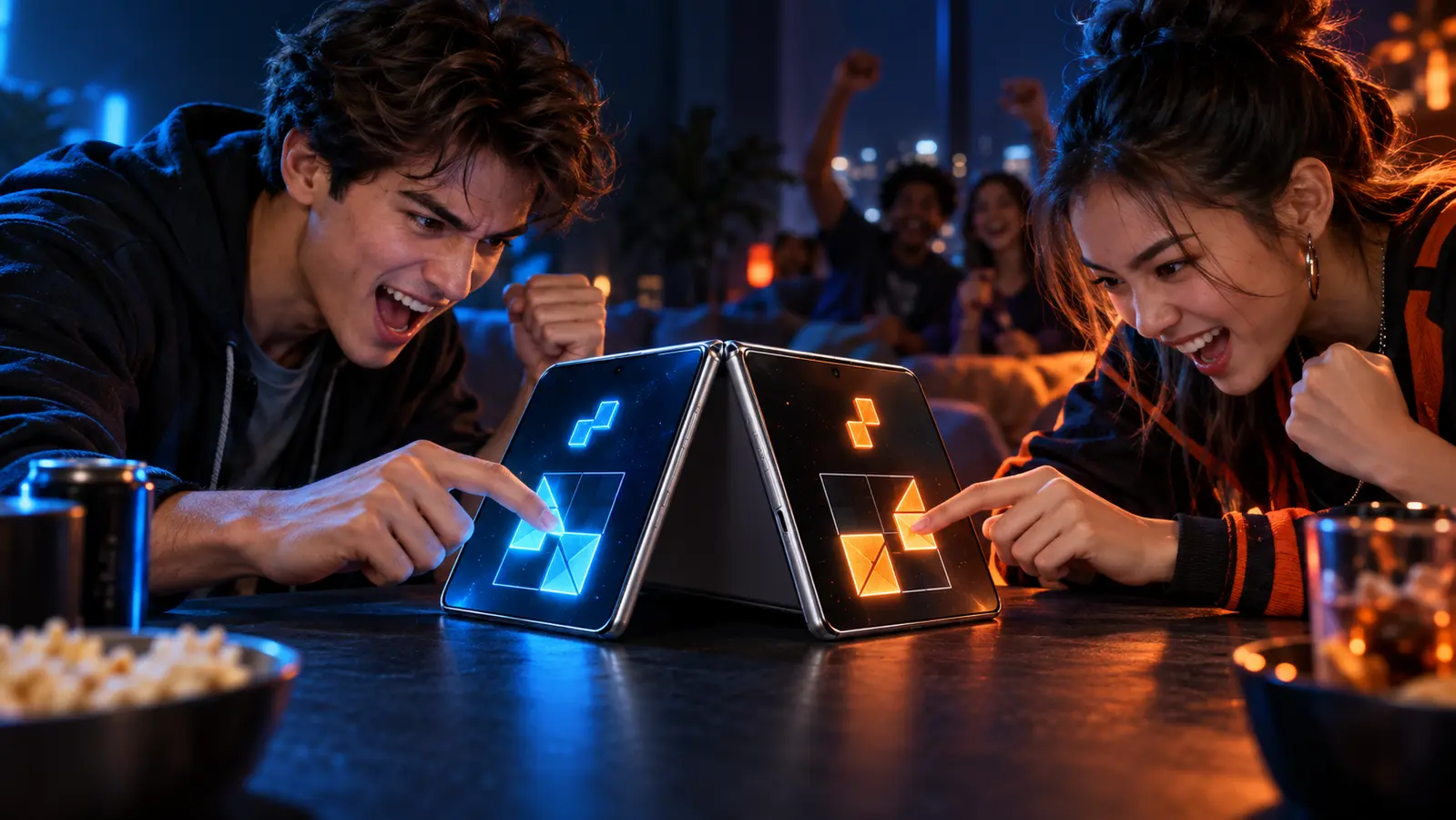
Potentially, but only when the game deliberately maps the iPhone's whole-device motion to one role and touch to another. Motion belongs to the shared phone, not automatically to a player. The game must define ownership, establish a neutral reference, accept both inputs together, and preserve the roles through a complete match.
By the DuoDragonz Editorial Team · Published November 6, 2026
The short answer: the app can read both inputs, but the game must create the two roles
Apple's Core Motion documentationexplains that an app can receive processed device-motion data such as attitude, rotation rate, gravity, and user acceleration. UIKit separately delivers touch phases such as began, moved, ended, and cancelled. Those are two input paths a developer can use.
They do not create two players. Device motion describes one shared iPhone. The game must assign motion to one role, reserve a touch zone or action set for the other, and decide what happens when both people act together. A tilt that moves the same object as touch is not proof of independent two-player control.
Separate six claims before calling the setup supported
| Claim | What current Apple evidence supports | What still needs game evidence |
|---|---|---|
| Motion availability | Core Motion exposes availability checks and device-motion updates | The game checks the current hardware and handles unavailable input |
| Motion values | Attitude, rotation rate, gravity, and user acceleration can be reported | The game maps only the intended values and applies a clear neutral point |
| Touch input | UIKit delivers direct touch events and phases | The touch role stays active while the phone moves |
| Player ownership | No automatic player identity comes with device motion | Motion and touch consistently control different intended roles |
| Reference and recovery | Core Motion supports reference frames and stopping updates | The game recalibrates after meaningful pose or display changes |
| iPhone Duo behavior | UIKit can describe motion relative to an active display | The game documents its exact layout, pose, display, and multiplayer mode |
The phone itself is shared equipment
A gamepad or keyboard can stay in one player's hands while the touchscreen remains still. Whole-device motion is different. When the motion player tilts or rotates the iPhone, the touch player's control surface, viewing angle, and hand position move too. Both people experience that physical change even if the software maps the sensor values to only one role.
That makes ownership a physical rule as well as a software rule. Before a round, agree who may move the phone, how far it may tilt, whether it rests on a surface or in shared hands, and when either person can request a reset. For forceful shaking or rapid rotation, choose another control method. The phone should never be used in a way that risks a drop, collision, discomfort, or blocked view.
Choose a neutral reference before the score starts
Apple says an app should check whether device motion is available, choose an appropriate reference frame, start updates, and stop them when they are no longer needed. The motion manager gives games access to current samples, while CMDeviceMotion contains the processed measurements.
For two players, the practical translation is simple: define neutral before a scored round. Put the phone in the intended pose, let both players reach their controls, then calibrate. Recalibrate after changing orientation, switching displays, moving to or from a stand, or handing the phone to a different holder. If a game has no visible reset and the control drifts, restart the unscored round instead of inventing a correction mid-match.
Motion input is not the same as Reduce Motion
Apple's motion design guidance asks apps to avoid making motion the only way to communicate and to consider discomfort. Its Reduce Motion guidance concerns visual interface effects such as automatic or repetitive animation. That setting is not evidence that a game's Core Motion input is disabled.
A motion-controlled role therefore needs its own documented behavior. Where practical, offer a button, slider, stick, or touch alternative, and keep critical results visible. Do not infer accessibility support from a visual-animation setting or infer sensor support from an animated tilt prompt.
Run the 90-second motion-and-touch ownership check
- Record the exact setup. Note the iPhone, iOS version, game version, intended local mode, orientation, display, and whether the phone is held, flat, or supported. Do not infer another device or mode from the result.
- Declare both roles. Name the motion role, the person allowed to move the phone, and the touch player's zone or actions before anyone starts.
- Set neutral. Place the phone in the agreed pose, let both players reach comfortably, and use the game's reset or calibration control if one is documented.
- Hold touch while moving slowly. Press, drag, or hold the touch control while the motion player makes a small, deliberate tilt. Confirm the touch continues and owns only its promised role.
- Hold a tilt while touching. Keep a mild motion position while the second player changes touch direction or action. Confirm that neither input cancels or takes over the other role.
- Return to neutral. Check for drift, unexpected rotation, hidden controls, a moving touch target, or a result that depends on which person physically holds the device.
- Change pose only between rounds. In an unscored test, change orientation, support, or iPhone Duo display only if the mode allows it. Recalibrate before continuing.
- Finish, swap, and label narrowly. Complete start, pause, score, result, and rematch, then swap roles once. Report only the tested game, mode, version, settings, device, and pose.
Use side swaps to reveal physical advantages
Motion and touch are not physically equal. One role moves the shared object while the other must keep contact with it. For a competitive game, play a short unscored practice, swap roles or sides, and compare whether either person loses visibility, reach, or control during ordinary tilts. A fair design can reduce the motion range, enlarge the touch zone, pause on calibration, and keep the score out of either player's hand path.
Asymmetric cooperative roles can use the difference deliberately, such as steering plus defense or balancing plus placement. The jobs still need clear ownership and meaningful actions. A motion player who can accidentally activate the touch player's controls by moving the screen has not been cleanly separated.
What iPhone Duo changes, and what it does not
Apple's deviceMotionBody API can associate motion with an iPhone Duo view and help an app interpret motion relative to the current display. That can matter when the device changes pose or a session moves between displays. It still does not assign motion to a person or create a second player.
Use the iPhone Duo optimization checklist for current public evidence about screenshots, release notes, layouts, poses, and exact device claims. Use the phone placement guide before deciding whether a motion role belongs in a stand, on a table, or in shared hands.
How this applies to Game 001
DuoDragonz is developing Game 001, working title Puzzle Rush, as a face-to-face same-device puzzle race. Motion controls, simultaneous motion-and-touch roles, calibration behavior, and iPhone Duo compatibility have not been announced or verified for the game.
Browse the iPhone Duo games guide, see all DuoDragonz game projects, check the verified release status, or join early access for evidence-backed updates. Signing up does not promise a release date, invitation, motion controls, or hardware compatibility.
Frequently asked questions
Can an iPhone game use motion and touch at the same time?
The platform provides Core Motion data and UIKit touch events as separate input paths. A specific game must deliberately keep both active, map them to different roles, and preserve those roles through a complete match.
Does tilting the iPhone automatically belong to Player 1?
No. Motion describes the shared device, not a person. The game must declare which role owns motion and make sure touch controls only the other intended role.
Should players recalibrate motion controls after changing the phone position?
Yes when the game defines a neutral pose or reference frame. Recalibrate after a meaningful pose, orientation, display, stand, or handoff change, and do it before a scored round.
Does Reduce Motion disable sensor-based game controls?
Do not assume it does. Apple's Reduce Motion guidance concerns visual interface motion. A game that uses Core Motion for input needs its own documented behavior and an accessible alternative where appropriate.
Does Game 001 support one motion player and one touch player?
No such support has been announced or verified. DuoDragonz has not published a finished motion mapping, simultaneous motion-and-touch test, or iPhone Duo compatibility evidence for Game 001.
Primary sources
- Apple Developer: Getting processed device-motion data
- Apple Developer: CMMotionManager
- Apple Developer: CMDeviceMotion
- Apple Developer: Handling touches in your view
- Apple Human Interface Guidelines: Motion
- Apple Human Interface Guidelines: Accessibility and motion
- Apple Developer: CMMotionManager deviceMotionBody
Editorial note: This guide interprets current Apple documentation and supplies an original two-player ownership and calibration check. It is not a hands-on iPhone, iPhone Duo, sensor, touch, game, accessibility, comfort, latency, or Game 001 test. It does not claim a finished control system, rankings, third-party support, or universal hardware compatibility.