SOUND ACTIONS + TOUCH / NOVEMBER 13, 2026
Can one player use AssistiveTouch Sound Actions while another uses touch?
Potentially, but only when the exact game keeps the configured sound-triggered action assigned to one player and direct touch assigned to the other. Apple says AssistiveTouch can turn a simple sound, such as a mouth pop or S-sound, into a gesture or other action. That is an alternate route to an action, not automatic multiplayer. Verify the mapping, role ownership, overlap, false triggers, recovery, and a complete match.
By the DuoDragonz Editorial Team · Published November 13, 2026
The short answer: Sound Actions can trigger an action, but the game still owns the players
Apple's AssistiveTouch guide says a person can choose a simple sound, assign a gesture or other action to it, and perform that action by making the sound. Apple gives a mouth pop and an S-sound as examples. The same guide also documents custom gestures such as touch and hold, rotation, and a recorded group of simultaneous taps.
That proves an accessibility route to a configured action. It does not prove that a game identifies the sound as a separate controller, creates another score, or keeps the result away from Player 2's touch control. Those are game-specific claims that need direct evidence.
Do not merge four different claims into one
| Observed result | What it establishes | What remains unproven |
|---|---|---|
| The sound is configured | AssistiveTouch has a selected sound and action | Whether the game receives the intended move |
| The sound triggers a gesture | The configured system action runs | Whether it belongs only to one player |
| Direct touch responds | The game handles a finger interaction | Whether touch stays independent during overlap |
| Both happen once | Two actions can be observed in one setup | Whether a full fair match can finish and rematch |
Sound Actions are not the same as voice commands
Sound Actions use selected simple sounds to perform a configured AssistiveTouch gesture or action. A game-built voice role instead recognizes words or phrases through the app's own speech and audio design. Our voice commands and touch guidecovers that separate path. Saying “jump” to a game and mapping a mouth pop to a system action are not interchangeable evidence.
Sound Actions also differ from Head Tracking and Switch Control. Head Tracking moves a pointer or maps a facial expression, while Switch Control can scan items or use an external switch. A useful test names the exact accessibility feature instead of calling every non-touch input “voice control.”
Use this five-level evidence ladder
- Configuration: the intended Sound Action and mapping are visible in the exact iPhone setup.
- Recognition: one deliberate sound produces the configured action once, with understandable feedback.
- Game ownership: the result affects only the declared sound-controlled role.
- Independent touch: the other player can press, hold, move, or tap without changing the first role.
- Complete loop: both players can start, play, pause, recover, finish, and rematch without silent role changes.
Run the two-minute Sound Actions and touch role check
- Name the exact setup. Record the game and version, device, iOS version, local mode, Sound Action, mapped gesture or action, and each player's declared role.
- Use a reversible move. Map the sound to a harmless action for an unscored test. Avoid purchases, deletion, surrender, account changes, or another difficult-to-reverse command.
- Trigger it once. Make the selected sound one time. Confirm the expected feedback and verify that only the intended player's state changes.
- Test touch alone. Have the touch player press, hold, drag, or tap the assigned zone. The sound-controlled role should remain unchanged.
- Overlap both inputs. Hold the touch action while making the selected sound, then reverse the order. Watch for cancellation, duplicate moves, stolen focus, or both paths controlling the same target.
- Check ordinary noise. Speak normally, play one ordinary game sound, and remain quiet briefly. Record unexpected activations instead of assuming the setup is reliable.
- Recover deliberately. Pause and resume, turn AssistiveTouch off and back on if appropriate, and confirm the game still labels the two roles correctly.
- Finish one disposable round. Reach the result, start a rematch, and swap roles if practical. Report only the exact configuration that completed the loop.
Design rules for a fair sound-controlled role
- Show recognition before commitment. Give visible feedback when the sound is heard and when the game accepts the action.
- Keep valuable actions protected. A single sound should not silently confirm a purchase, surrender, deletion, or account change.
- Avoid reaction-time claims. Do not compare a sound action with the fastest possible finger tap unless the game has a fair timing design.
- Give both roles equivalent information. Important state should not depend on one person hearing a cue that the other cannot perceive.
- Provide an alternative. The game should not require one exact sound as the only route to finish a round.
Apple's accessibility guidancerecommends adaptable interfaces and alternatives to a single method of interaction. Apple also recommends testing main tasks with accessibility settings and assistive technologies on supported devices. That supports testing the whole match, not just one successful trigger.
Direct touch remains a separate implementation responsibility
Apple's UIKit touch documentationexplains touch phases such as began, moved, ended, and cancelled. A view must enable multiple touch when it needs additional finger touches. Those platform capabilities can support Player 2's direct control, but only the game can keep the Sound Action result and the touch role independent from start through rematch.
What current Apple guidance does not establish
The current AssistiveTouch guide does not identify a specific two-player game, say that Sound Actions become a game-controller object, promise that game audio cannot resemble a selected sound, or document a special iPhone Duo posture requirement for Sound Actions. Do not turn the existence of the setting into a hardware or game-support claim.
How this applies to Game 001
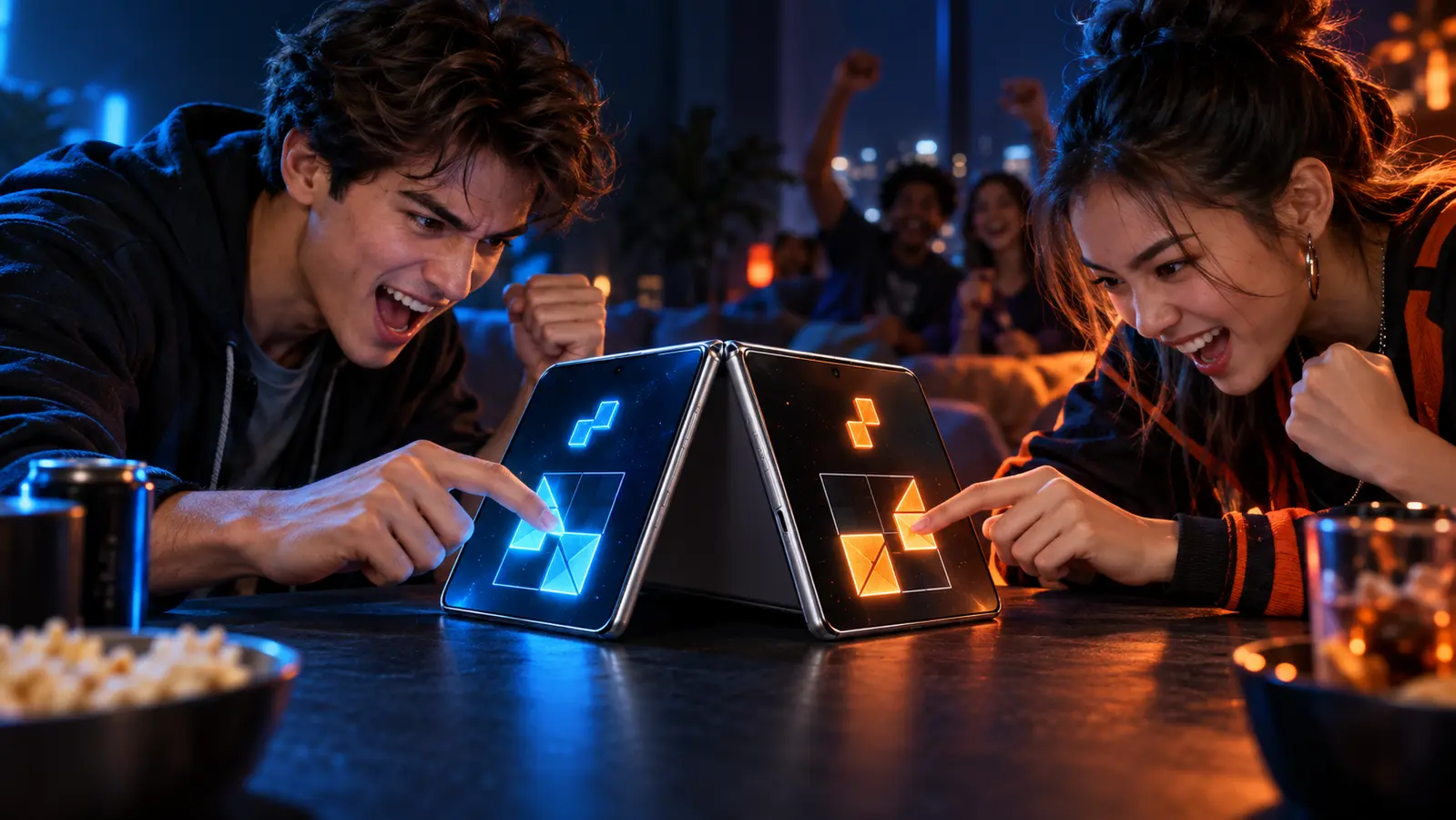
DuoDragonz is developing Game 001, working title Puzzle Rush, as a face-to-face same-device puzzle race. Sound Actions, a sound-controlled player, custom AssistiveTouch mappings, false-trigger handling, accessibility testing, and iPhone Duo compatibility have not been announced or verified for the game.
Browse the iPhone Duo games guide, see all DuoDragonz game projects, check the verified release status, or join early access for evidence-backed updates. Signing up does not promise a release date, invitation, Sound Actions mode, accessibility feature, or device compatibility.
Frequently asked questions
Can AssistiveTouch Sound Actions and touch control two players on one iPhone?
Potentially, but only if the exact game maps the configured sound-triggered action to one role, keeps direct touch assigned to the other role, and preserves both through a complete match. Turning on Sound Actions does not create Player 2.
Are Sound Actions the same as voice commands in a game?
No. Apple describes simple sounds such as a mouth pop or S-sound that trigger a configured gesture or other AssistiveTouch action. A game-built voice mode recognizes words or phrases through its own audio and speech design.
Does a mouth pop become a separate game-controller button?
Not automatically. The documented result is a configured gesture or action. The exact game still has to show that the result belongs to one player and does not activate the same control used by the touch player.
Do Sound Actions have a special iPhone Duo posture requirement?
The current Apple AssistiveTouch guide documents Sound Actions on iPhone but does not state a special folded or fully open iPhone Duo requirement for this feature. Verify the exact device posture and game layout rather than inferring support.
Does Game 001 support one Sound Actions player and one touch player?
No such feature has been announced or verified. DuoDragonz has not published a finished Sound Actions mapping, false-trigger test, independent player role, accessibility test, or iPhone Duo compatibility claim for Game 001.
Primary sources
- Apple Support: Use AssistiveTouch on iPhone
- Apple Developer: Handling touches in your view
- Apple Developer: Performing accessibility testing for your app
- Apple Human Interface Guidelines: Accessibility
Editorial note: This guide interprets current Apple documentation and supplies an original verification check. DuoDragonz did not perform a hands-on Sound Actions, audio, touch, accessibility, game, Game 001, or iPhone Duo test for this article. It does not claim third-party game support, App Store availability, rankings, traffic, AI citations, or universal compatibility.